Your knowledge, in one Brain, in every AI
- Your files are in your Drive, but AI can't always find the right one
- Your SmartAF™ Brain brings the right pieces together when you ask
- Access your business Brain from any AI tool, files stay in the cloud
Works in Claude, ChatGPT, Perplexity, Grok and Muse
Free until January 1, 2027. Card required to start, nothing charged until January 1
5 minutes to connect (if you’re on Google Drive)
Free until January 1. Lock in $99 a month.
Your SmartAF™ Brain
One Brain. Every AI.Free until January 1, 2027
Founder’s rate $99 a month from January 1, for the first 25 seats. Then $149. Team seats are $49 a month each
Your card goes on file at signup and locks the rate. Nothing is charged until January 1, 2027, and the founder’s rate stays yours for as long as you keep your seat
- Unlimited files from your Google Drive, synced automatically
- Your files stay in your Drive, nothing moves
- Works in Claude, ChatGPT, Perplexity, Grok and Muse
- Cancel any time before January 1 and you won’t be charged a thing
Card required to start, nothing charged until January 1, cancel any time before then. Five minutes to connect if you’re on Google Drive
Have a team? Let’s talk. We want to make sure your permissions are set up correctly on your Drive
Help me set up my teamYou're not alone
You've already done the hard part and saved the files. Maybe you haven't had time to move every file into projects, or you'd rather they stay in your Drive. SmartAF™ meets you where your files already are, in every AI you use.
“Where does this document go?”
You won't need to decide. Messy files are the best test. Your Brain reads what is already in your folders, exactly as it is, with no reorganizing and no cleanup first.
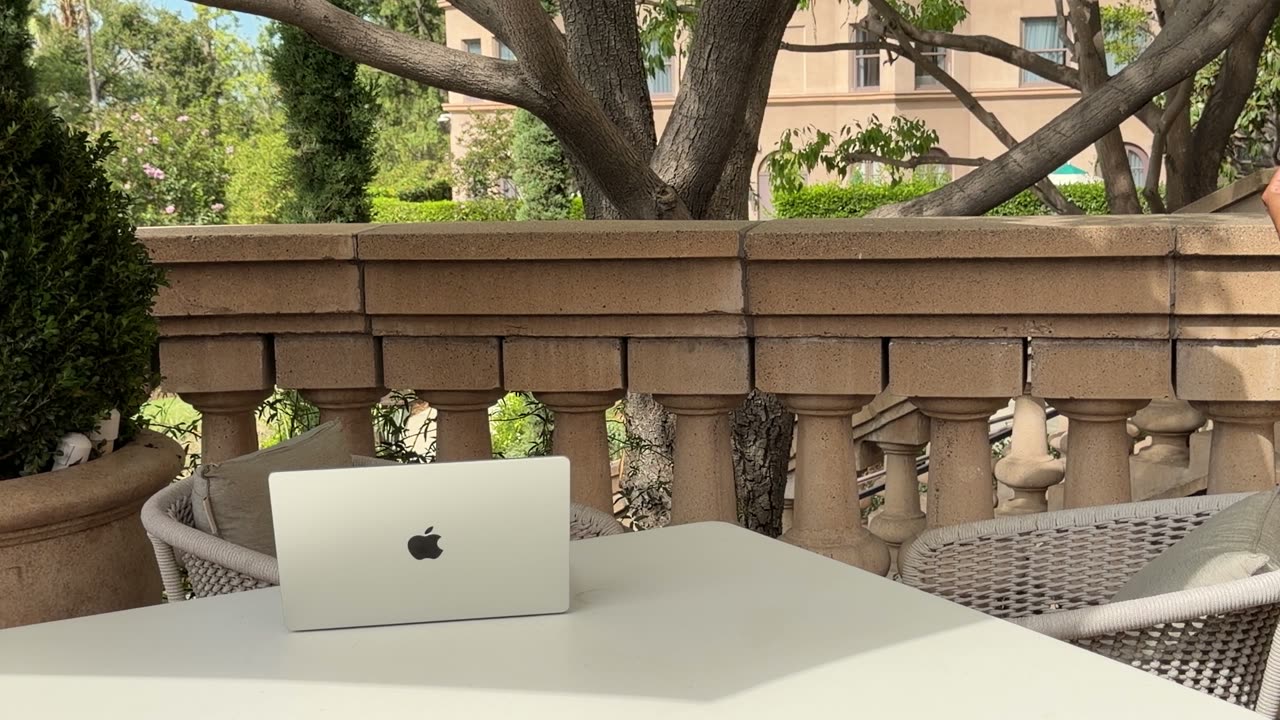
It all runs in the cloud, so it works in any AI, on any device, wherever you are
Easy 3 steps to connect
Your files stay in your Drive
SmartAF™ reads every file you point it at and hands your AI the parts that fit your question
-
Sign up
Create your SmartAF™ account, and your Brain is ready to connect to your folders
-
Tell your Brain where to look
Point it at the parts of your Google Drive you want your AI to know. Messy is fine, and nothing needs tidying first
-
Connect it to your AI
Install it once in Claude, ChatGPT, Perplexity, Grok or Muse. It works inside the AI you prefer to use
Three jobs your AI can do once it knows your business
It does the most for people who ask AI to work with their policies, pricing, client notes and procedures every week
Answer a customer the way you would
Ask for a reply to a return request, and your AI pulls your policy and your brand voice guide and drafts it in your words
Turn a client brief into a proposal
Share the brief, and your AI drafts the proposal from your service menu and the proposals you have already sent
Find the decision buried in your files
Ask what you decided, and your Brain finds it across the notes, emails and call transcripts where it landed
I said “I probably have a document on it somewhere,” and one plain question to my Brain pulled the answer from four documents I never named, including a call transcript with a random string for a filename and the answer buried 38 minutes in.
What a Brain can read
Tidy or not, your SmartAF™ Brain already has what it needs, so you can use this intelligence anywhere you’re working. Say “use my Brain” and it’s done.
-
Your business
- SOPs and standard procedures
- Pricing tiers and service menus
- Brand voice and style guides
-
Your clients
- Discovery call notes
- Client briefs and histories
- Past proposals
-
Your content
- Blog posts and articles
- Ad copy and campaigns
- Email sequences
-
Your strategy
- Market research
- Competitor research
- KPIs and metrics
-
Your expertise
- Course outlines and lesson plans
- Coaching frameworks
- Class notes
Put your business knowledge to work in AI
| AI tools alone | AI + SmartAF™ | |
|---|---|---|
| What SmartAF™ adds | ||
| Everything you know, available in every chat | No | Yes |
| All your work in one Brain, in every AI and every project | No | Yes |
| Reads the full content of every document | No | Yes |
| Works across Claude, ChatGPT, Perplexity, Grok and Muse | No | Yes |
| Everything you already do, but smarter | ||
| Upload files and get answers | Yes | Yes + pulls in context you didn’t think to include |
| Research a topic | Yes | Yes + connects findings to your business automatically |
| Draft content and emails | Yes | Yes + uses your brand voice and business context in every chat |
| Use skills and playbooks | Yes | Yes + every one of them draws on your Brain |
Your files are sensitive. We treat them that way
Reads, never moves
SmartAF™ reads your files where they live in your Google Drive. Nothing is moved, nothing is edited
You decide who sees it
Your Brain is partitioned from every other account. You can see inside it, and so can the team members you invite. Our support team looks only with your permission, and the AI you ask processes your question under its own terms. Who can see what
You own your data
Remove access any time, and your files stay in your Drive. If you cancel, we keep your Brain for 90 days in case you want to turn it back on, then permanently delete it
Independently security-verified
SmartAF™ has passed Google's Cloud Application Security Assessment, CASA Tier 2, the review Google requires before an app can touch your Drive. That means a Google-authorized lab, TAC Security, tested the platform against the OWASP ASVS standard: how data is encrypted, how sessions are handled, how access is controlled. Your files are encrypted in transit and at rest, your Brain is partitioned from every other account, and the assessment is repeated every year.
Two companies, one SmartAF™ Brain
I built it for AutomationEdit and Ulka Rocks, my luxury jewelry brand, and both companies still work from it. All 59 of our AI employees use it and keep making it better.

Questions founders ask us
Yes. Your SmartAF™ Brain is free until January 1, 2027. Your card goes on file at signup, nothing is charged before January 1, and if you cancel any time before then you won’t be charged a thing.
No. Your files stay in your Google Drive, exactly where they are. SmartAF™ reads the folders you pick and never moves or edits a thing. When you update a file, your Brain picks up the change.
SmartAF™ connects to Google Drive. If your files live somewhere else, reach us through the contact page and we'll help you get set up.
No, and messy files are the best test. Your Brain reads what is there, exactly as it is, with no reorganizing, no cleanup and no prep.
Claude, ChatGPT, Perplexity, Grok and Muse. You install it once in each AI you use, and the same Brain answers in all of them.
No. Point SmartAF™ at the Drive folders behind it, and that Brain answers in Claude, ChatGPT, Perplexity, Grok and Muse. You set it up once, and when you try a new AI you only have to connect it.
Let's talk. The permissions take a bit more setup, so we set it up with you. Reach us through the contact page and tell us how your team shares files today.
Yes. We train your team to set up and use your business Brain, with quick-start AI training so everyone comes up to speed fast and gets AI working for them. We deliver it privately, for your business only. See private team training
Yes. SmartAF™ passed Google's CASA Tier 2 validation, an independent security assessment by a Google-authorized lab against the OWASP ASVS standard. Your files are encrypted in transit and at rest, and your Brain is partitioned from every other account. You and the team members you invite can see inside it. Our support team looks only when you give permission, and the AI you connect, like Claude or ChatGPT, processes each question under that provider's terms.
Your files stay in your Drive, untouched. Your Brain connector can be turned back on within 90 days, then it is permanently deleted.
Your own subscription to Claude, ChatGPT or another AI tool SmartAF™ works in, plus your SmartAF™ subscription
Don’t learn AI.
Let AI learn your business.
Connect your Drive once, and every AI you use starts from what you know